
Features
Everything Tavera Money actually does
No roadmap items dressed up as features. This is what is in the product today.
Budgets
A plan that survives a real month
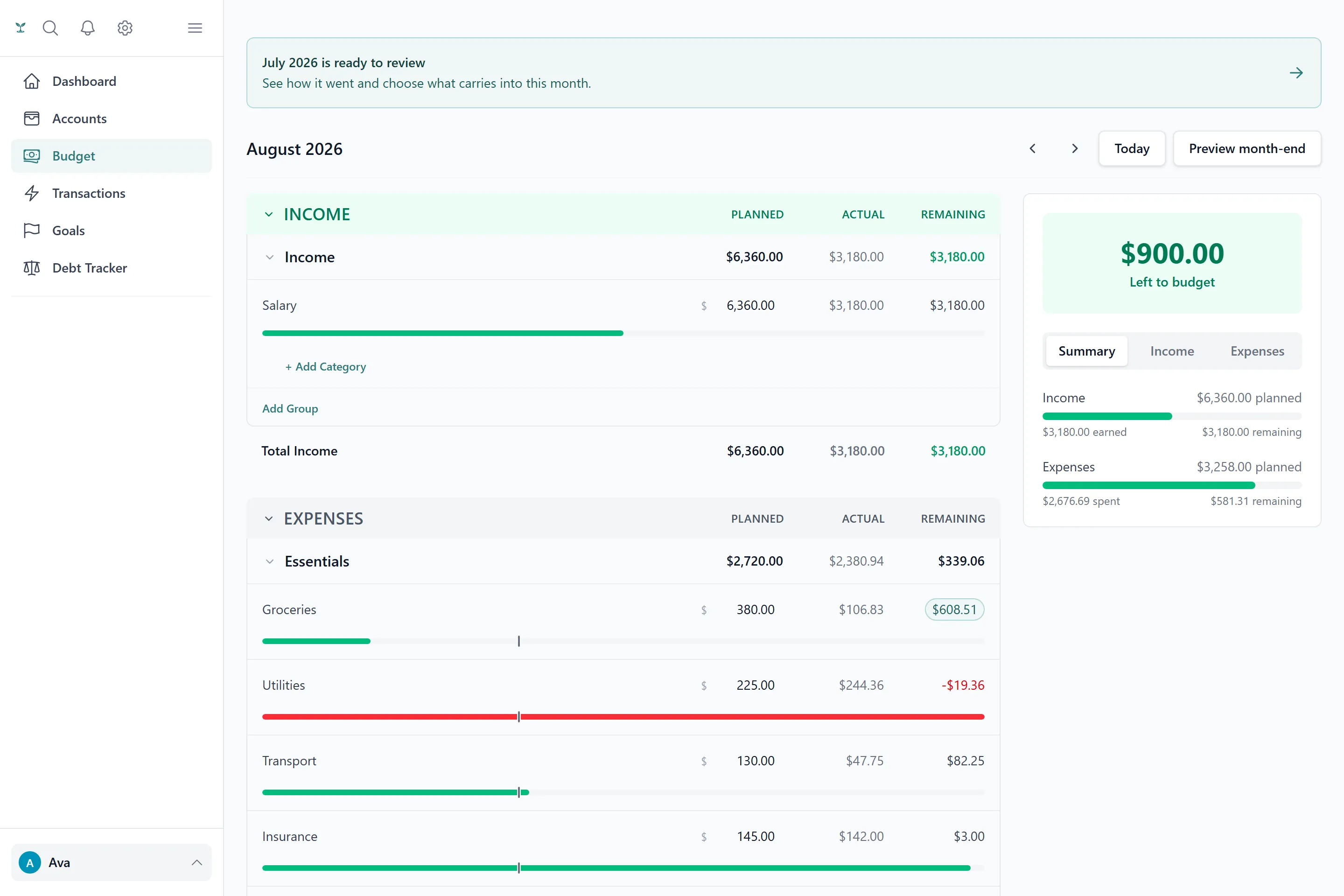
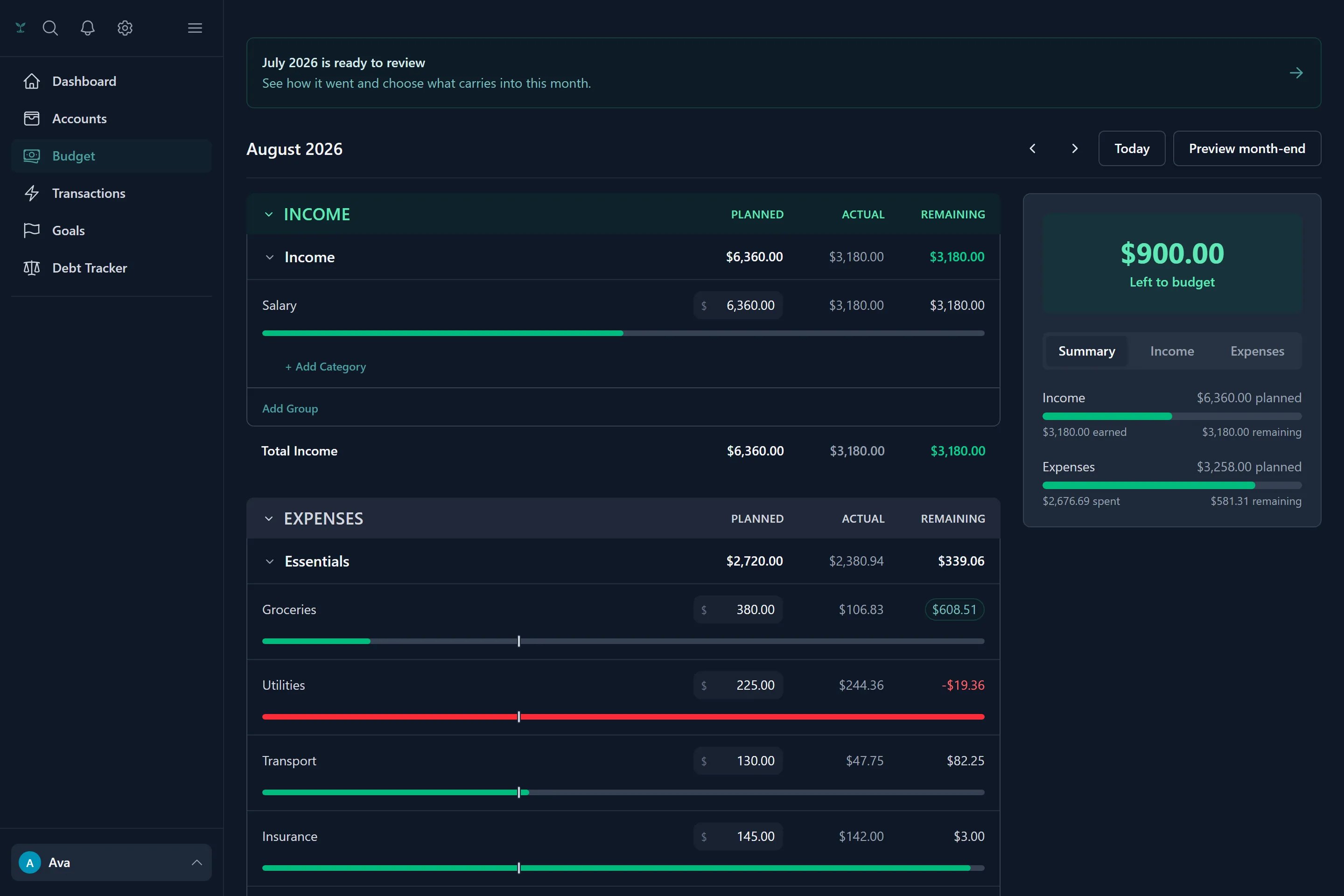
Set what you intend to spend per category, then watch it against what you actually spend — grouped by income, expenses, savings and debt, with one honest number at the top telling you what's left to budget.
- Envelope rollover per category: what you do not spend compounds into next month, from a starting amount you choose
- A spending pace marker on every category, with a plain-English read on whether you are comfortably under or right on the line
- Habit streaks counting the months you closed inside plan, with a 5% grace band so one bad week does not erase a year
- Generate a starting budget from your own spending history instead of guessing at numbers
- Nudges at 80%, 90% and 100% of a category — once per threshold, not a stream of noise
Transactions & categorising
Categorising that learns instead of nagging
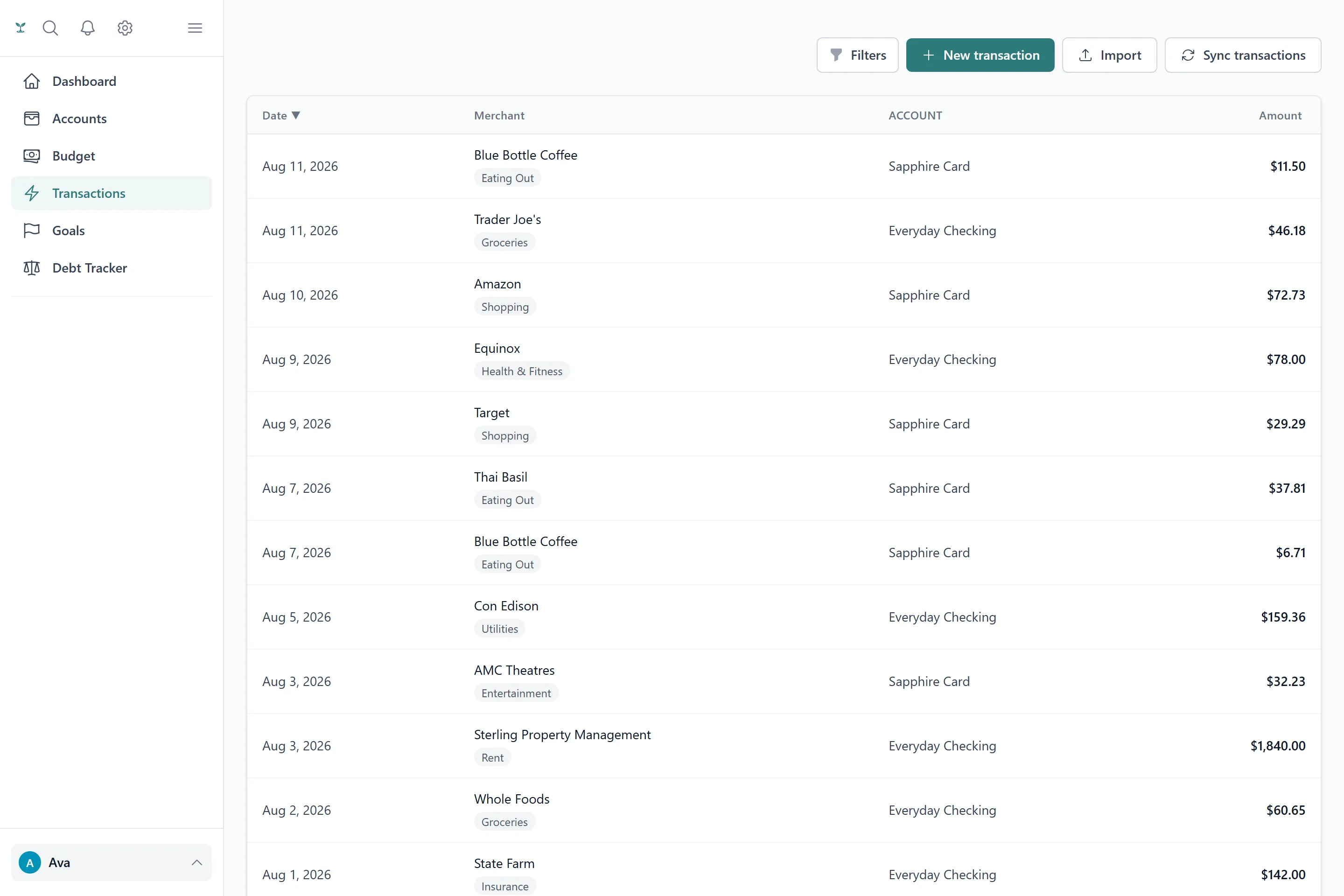
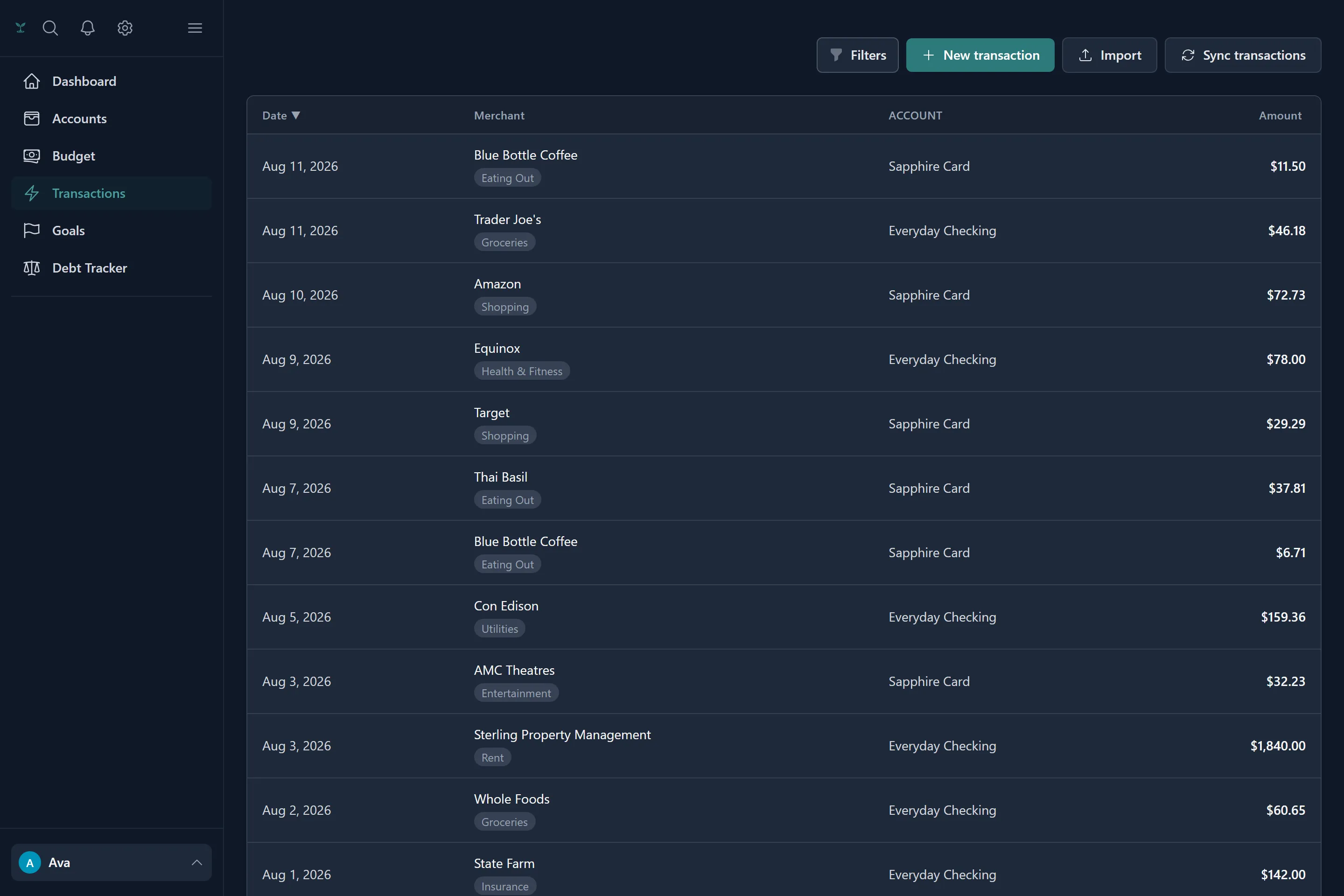
Every transaction gets a category from one of three sources, in order: a rule you wrote, the category you last chose by hand for that merchant, or your saved mapping of what your bank calls it. Each one is labelled, so you always know why something landed where it did.
- Write rules by merchant — contains, equals, starts with, ends with — and apply them to everything already in your history
- Correct a transaction and Tavera Money offers to make it a rule, telling you how many past transactions it would fix
- Split one transaction across several categories, with a live check that the parts add up
- Filter by category, account, merchant, type, amount range or date; sort and page through the lot
- Import a CSV with column mapping, per-row validation and duplicate detection before anything is written
- Transfers between your own accounts are paired automatically and kept out of your spending
Accounts & net worth
Everything you own and owe, in one line
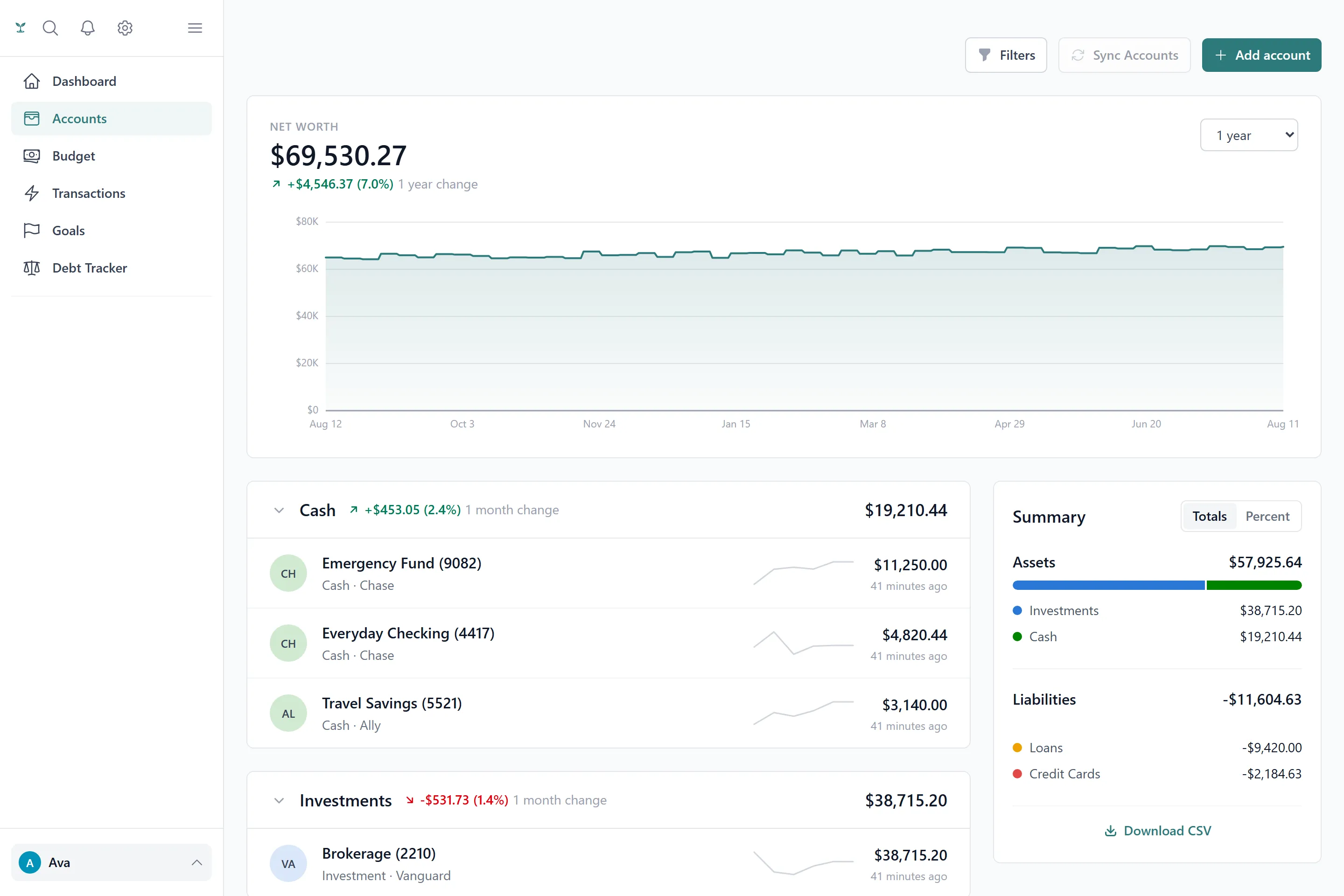
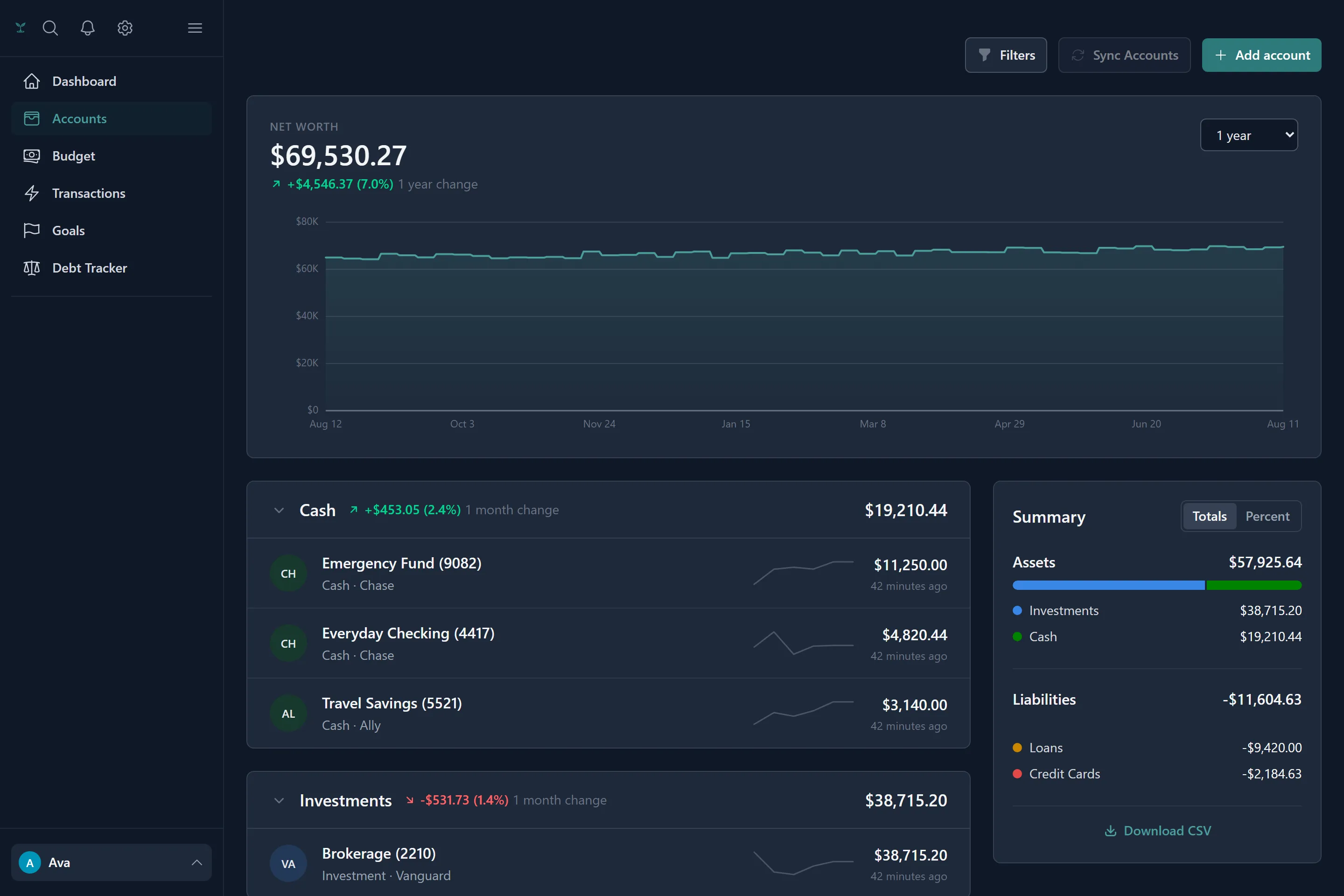
Cash, investments, property, credit cards and loans — linked to a bank or added by hand, they all roll into the same net worth figure, charted over time so you can see the direction rather than just today.
- Link a bank through Plaid and choose how much history to import, from 3 months up to 2 years
- Sync and refresh balances whenever you want, from a single institutions screen
- Reconnect in place when a bank needs re-authorising, without losing anything
- Net worth, assets and liabilities charted over 1 month, 3 months, 6 months or a year
- Disconnect a bank and keep every account and transaction as manual data — or delete it, your choice
Goals
Saving with a date attached
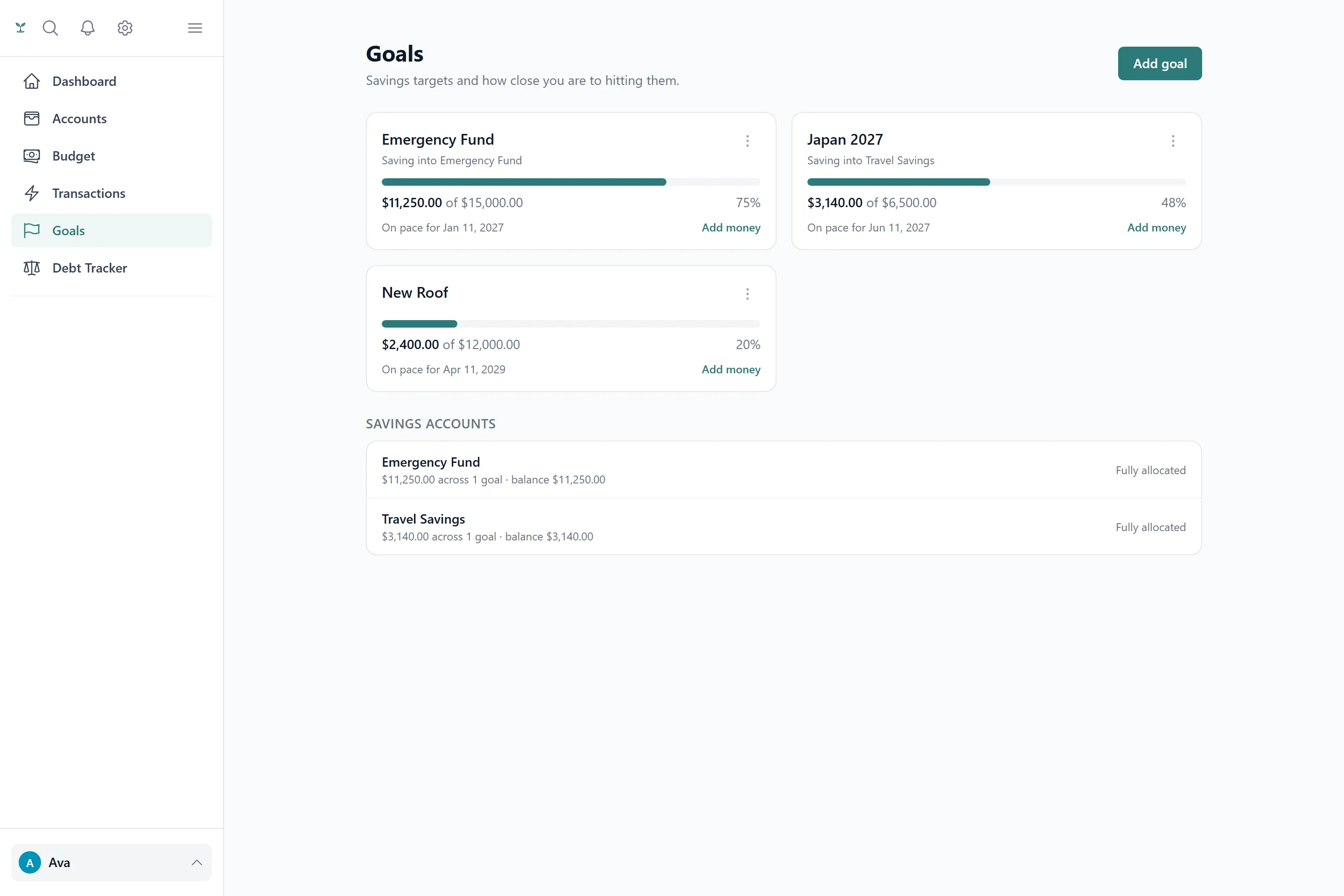
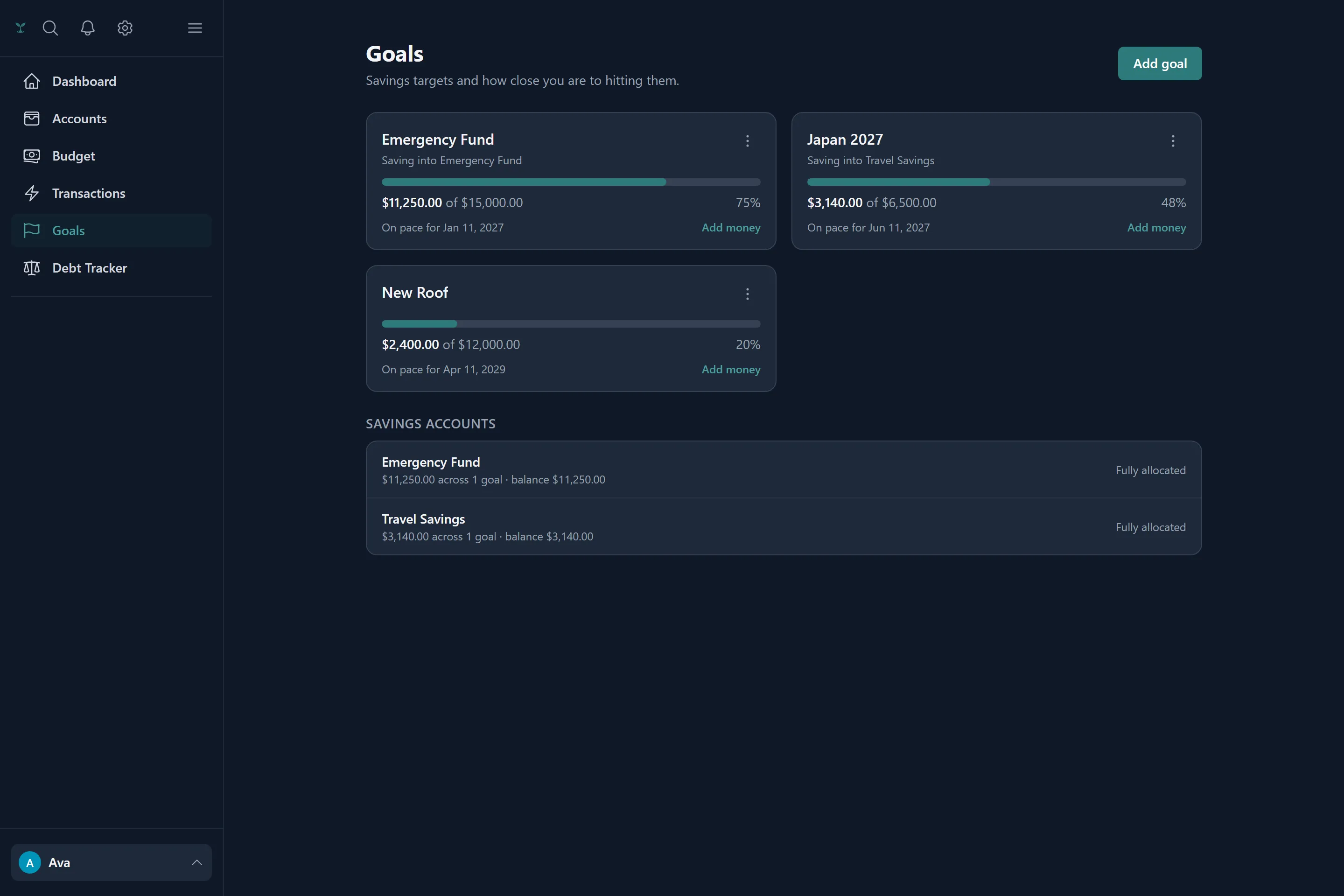
Give a goal a target amount, then set either a date or a monthly contribution — Tavera Money works out the other one. Progress comes from a contribution ledger rather than a number you nudge, so the total is always something you can point at.
- Set a date to get the contribution, or set the contribution to get the date
- Contribute in one tap, or tag a real transaction as a contribution
- Link a goal to the account the money actually sits in, with any unallocated remainder shown plainly
- Include a goal in your budget and it appears as a savings row you can edit from the budget screen
- On-schedule or behind-schedule status, a projection chart, and a proper celebration when you get there
Debt payoff
Three payoff strategies, all costed honestly
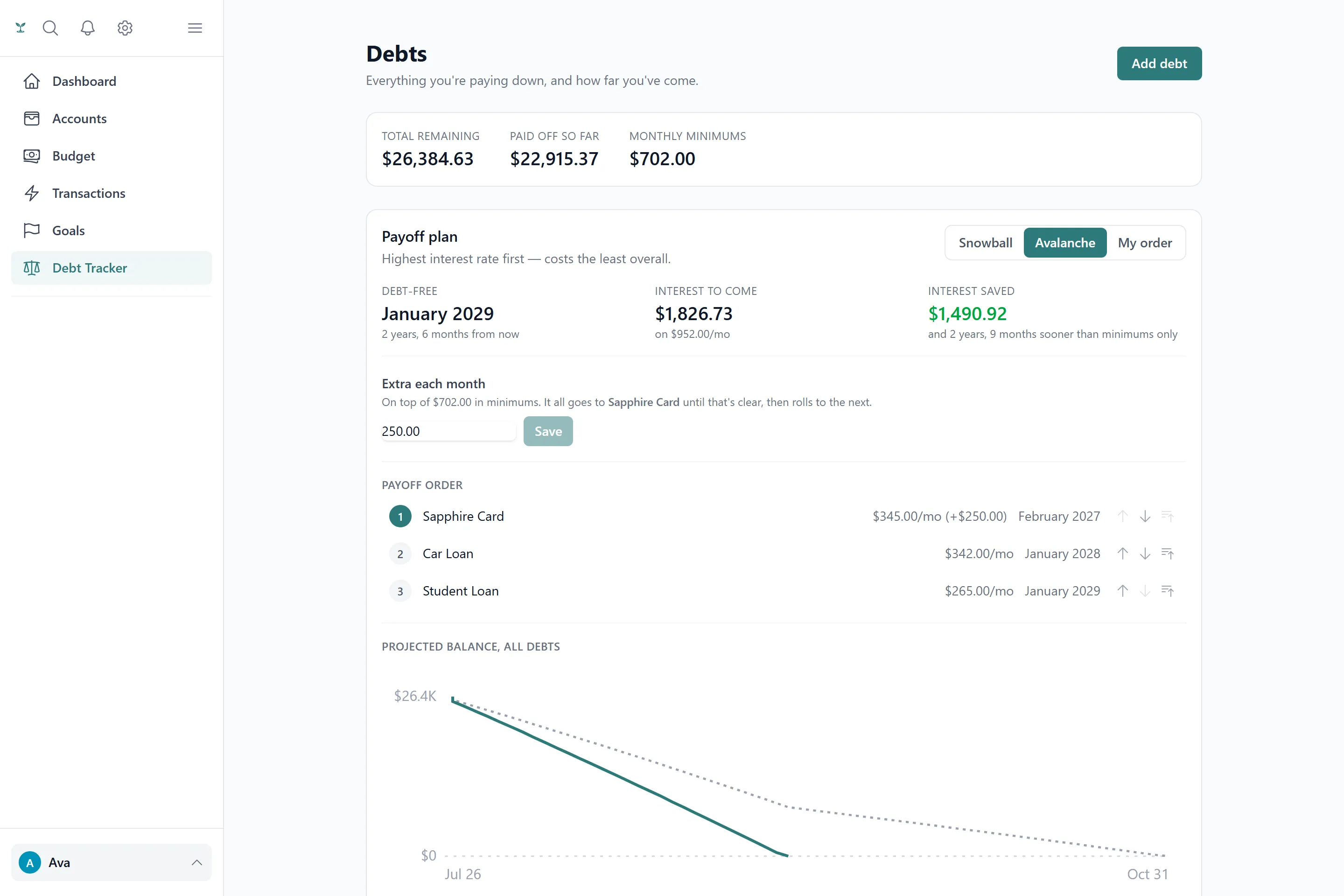
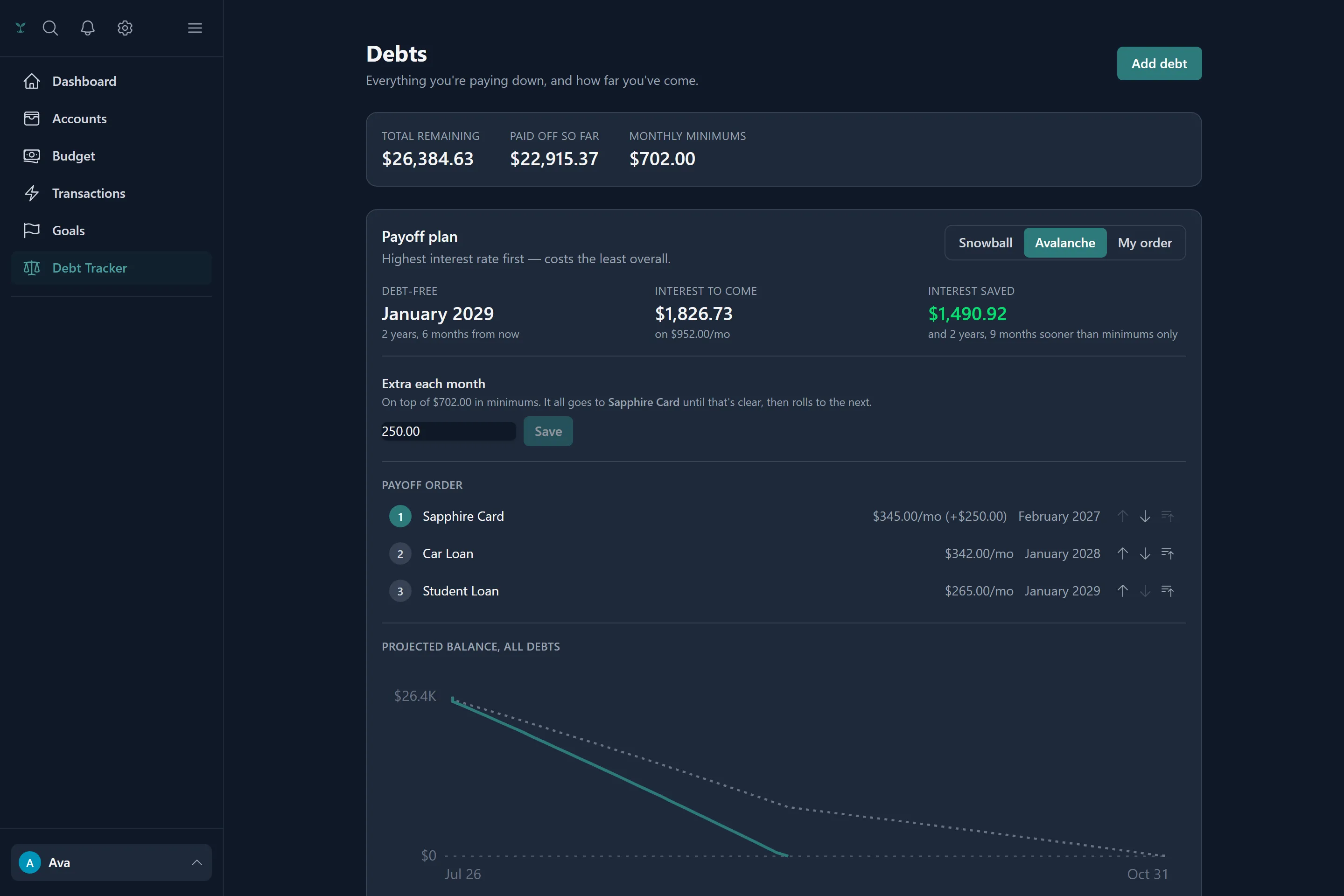
Debts are real records with a balance, an APR, a minimum and a due day — not a label on an account. Tavera Money projects snowball, avalanche and your own custom order on every visit, all measured against the baseline of paying minimums only, so you can compare before committing to anything.
- Interest saved and months saved for each strategy, against a minimums-only baseline
- Freed-up minimums cascade to the next debt automatically as each one clears
- It will tell you outright when snowball and avalanche are identical, rather than inventing a difference
- It reports "never paid off" when the minimums never outrun the interest, instead of inventing a date
- Payments come from a ledger — quick-pay or tag a real transaction — with a running balance you can audit
Recurring bills
The charges you forgot you were paying
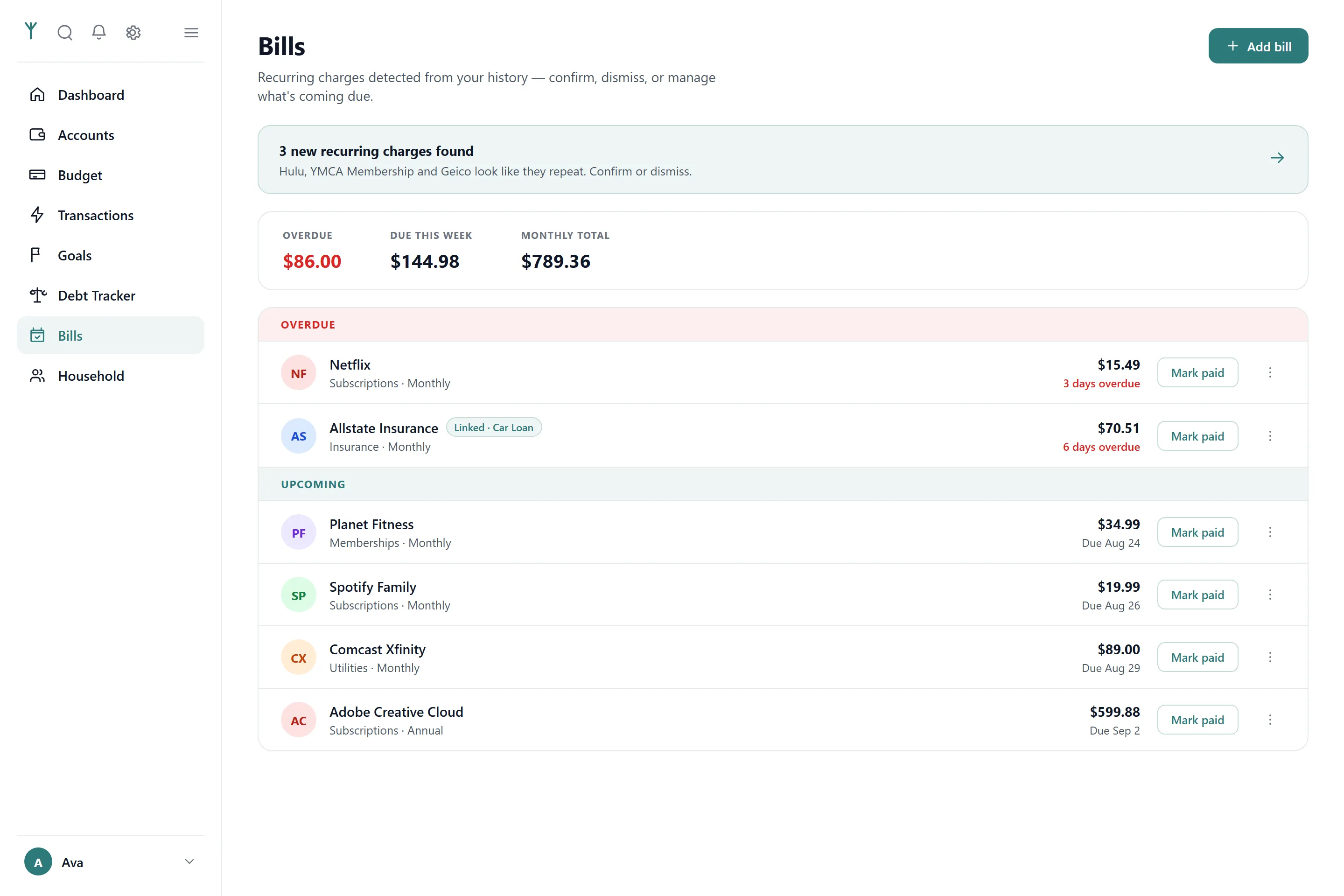
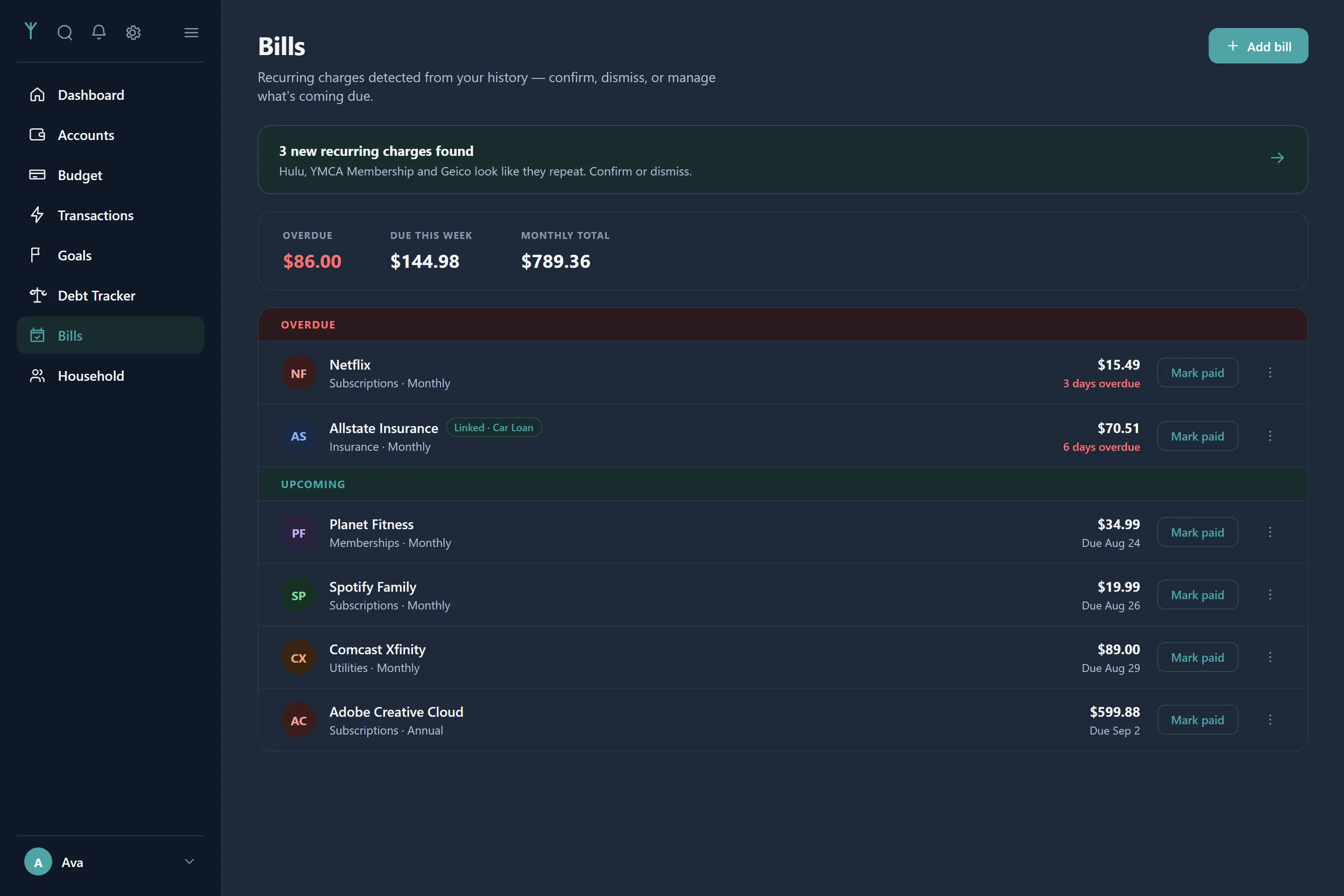
Tavera Money reads up to two years of your history looking for things that repeat, and surfaces them as suggestions to confirm or dismiss. Subscriptions, memberships, insurance, the streaming service from three phones ago.
- Detection needs three or more occurrences at a consistent interval before it suggests anything
- Weekly, fortnightly, twice-monthly, monthly, quarterly and annual schedules
- Bills grouped into overdue and upcoming, with mark paid, skip, pause and edit
- An optional daily email reminder for anything due within three days or already overdue
- Link a bill to a debt so marking it paid offers to log the payment too
Month-end recap
Closing the month properly
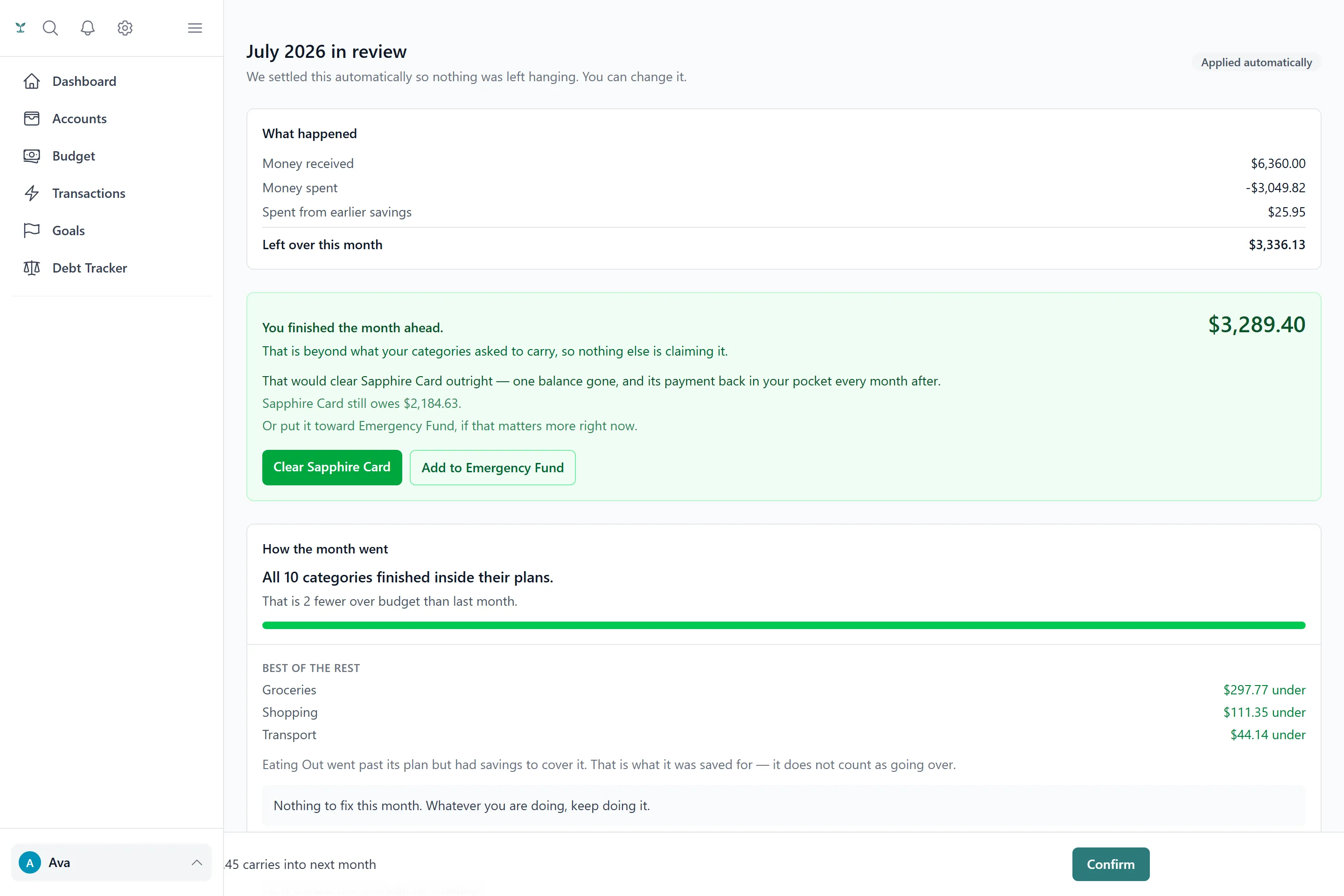
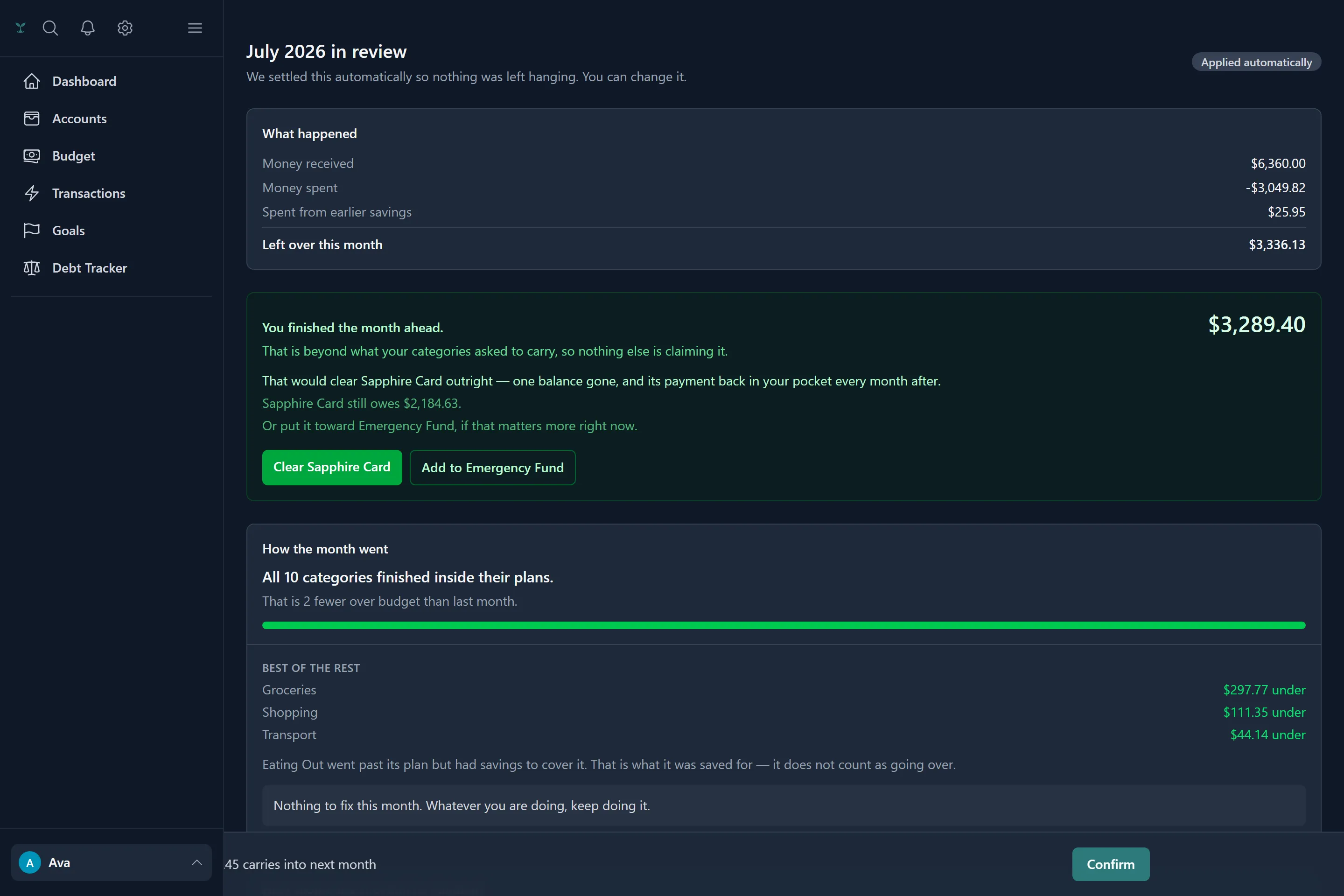
This is the part other budgeting apps skip. At month end, Tavera Money reconciles what actually happened — money in, money out, what came from earlier savings, what went into goals and debts, what was owed from last month — and then tells you what to do about it.
- Over-budget categories ranked worst first, with repeat offenders flagged when they have gone over in two of the last three months
- Three ways to settle a shortfall — take a haircut across the board, charge it to the category that overspent, or carry the deficit — plus your own custom split
- Every method is previewed before you commit, so you can see the outcome first
- Rollover is capped at the cash you really have, so envelopes can never carry money that does not exist
- Come out ahead and it names the specific debt or goal to point the money at
- Preview the close mid-month, and revise the most recent one if something was wrong
Household sharing
Two people, one budget, no extra charge
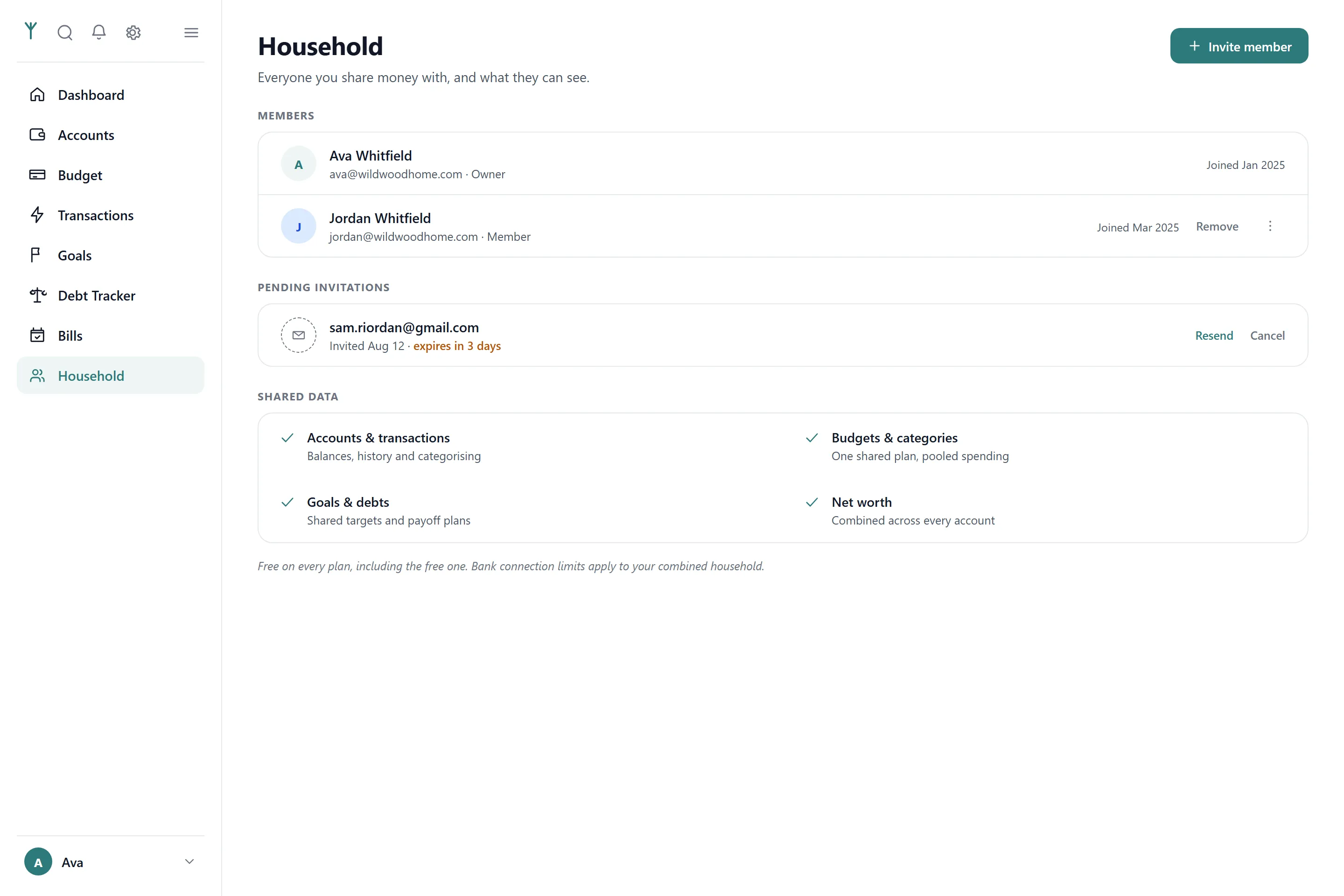
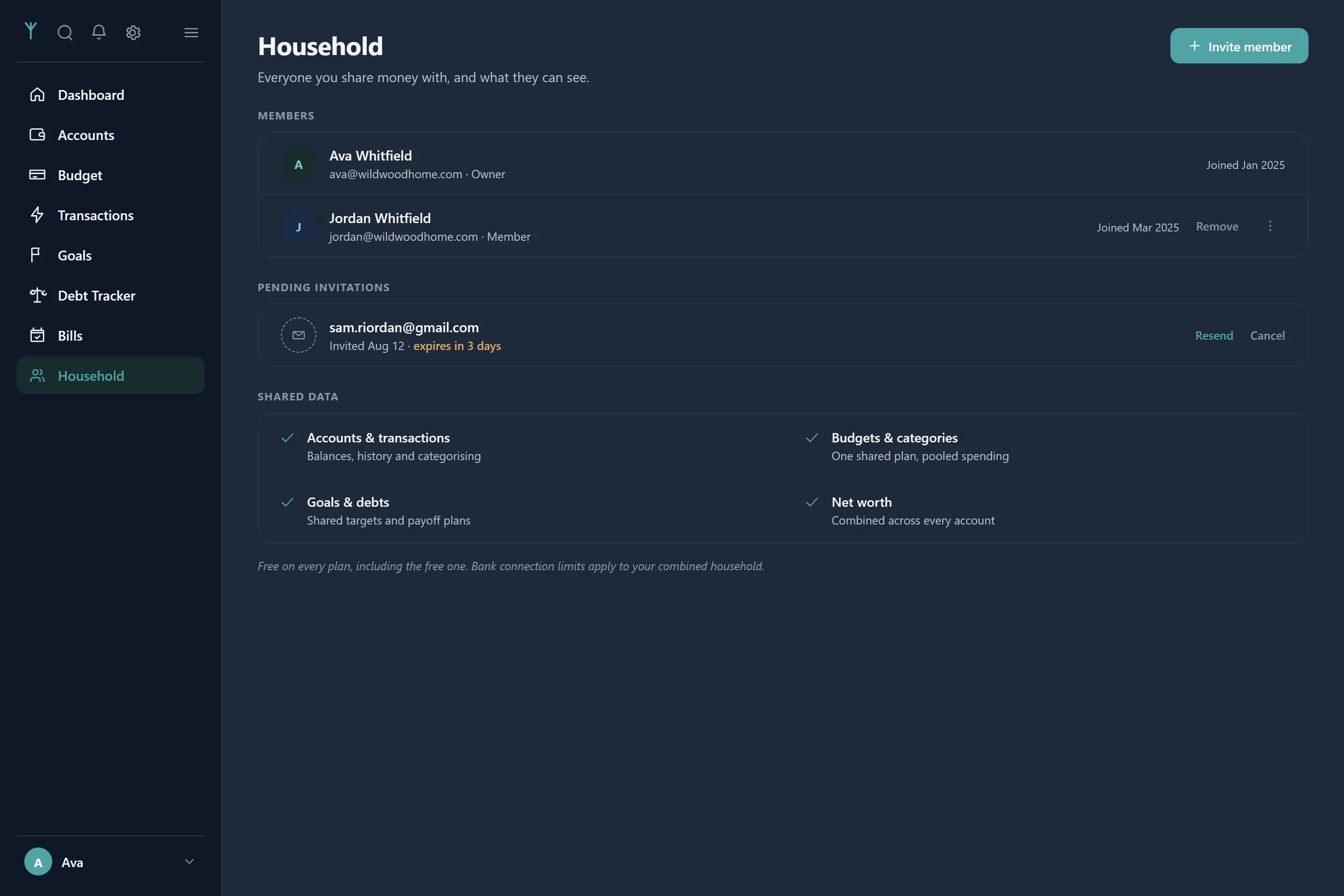
Invite whoever you share money with by email. Accounts, transactions, budgets, goals and debts all become shared — budgets pool both of your spending against one limit, and net worth is combined. It is free on every plan, including the free one.
- Everyone sees everything; you can only edit the transactions you added
- Joining brings your data with you, and leaving takes it back out — nothing is deleted
- One subscription covers the whole household, and bank connection limits apply to your combined total
- Invitations are tokened and expire after seven days
What isn't here yet
Cash-flow forecasting, trend reports and a mobile app are things people ask for and we haven't built. We'd rather leave them off this page than sell you something that doesn't exist. Bank syncing runs when you ask it to rather than on a schedule, and Tavera Money spots your recurring charges but won't cancel them for you.
Start with the free plan. Decide later.
Basic is free forever and does real budgeting — accounts, budgets, goals, debts, bills and the month-end recap. Add bank syncing whenever it earns its keep.
No card required · Your data is never sold · Export it any time